
Skip to content
RADPAIR

New · Chrome extension by RADPAIR

PAIR Speech

Advanced radiology reporting, right in Chrome.

RADPAIR’s proven speech engine in a fully cloud-native Chrome extension. Put your cursor in any web-based application, like a web PACS report or an EHR note, press record and talk.

3 days free, then $49.99 a month · or $449 a year

Animated example: as the radiologist speaks, each sentence appears in the Findings box of a report in Chrome.

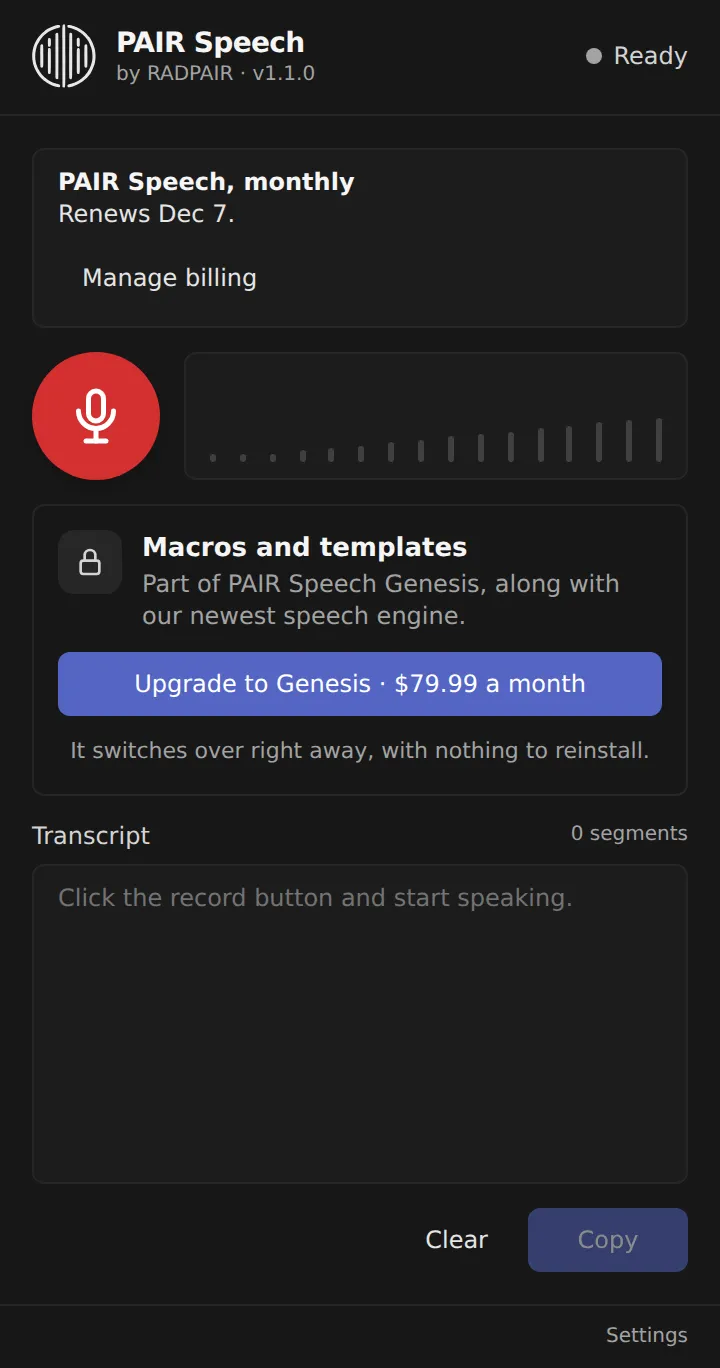
The PAIR Speech popup, ready to record

PAIR Speech in action

RADPAIR Lock

Never break focus.

Click into the field you’re reporting in and say “RADPAIR lock.” Your dictation stays in that field, even when you click over to images on another screen.

Say “RADPAIR unlock” to release it. Your mouse is free again, and your words follow your cursor.

“RADPAIR lock”

Dictation stays in this field, wherever you click.

“RADPAIR unlock”

Dictation follows your cursor again.

Animated example: the radiologist clicks into Findings and says “RADPAIR lock”, then clicks over to the image viewer and the Impression box while dictation keeps going into Findings. Saying “RADPAIR unlock” releases it, and dictation follows the cursor again.

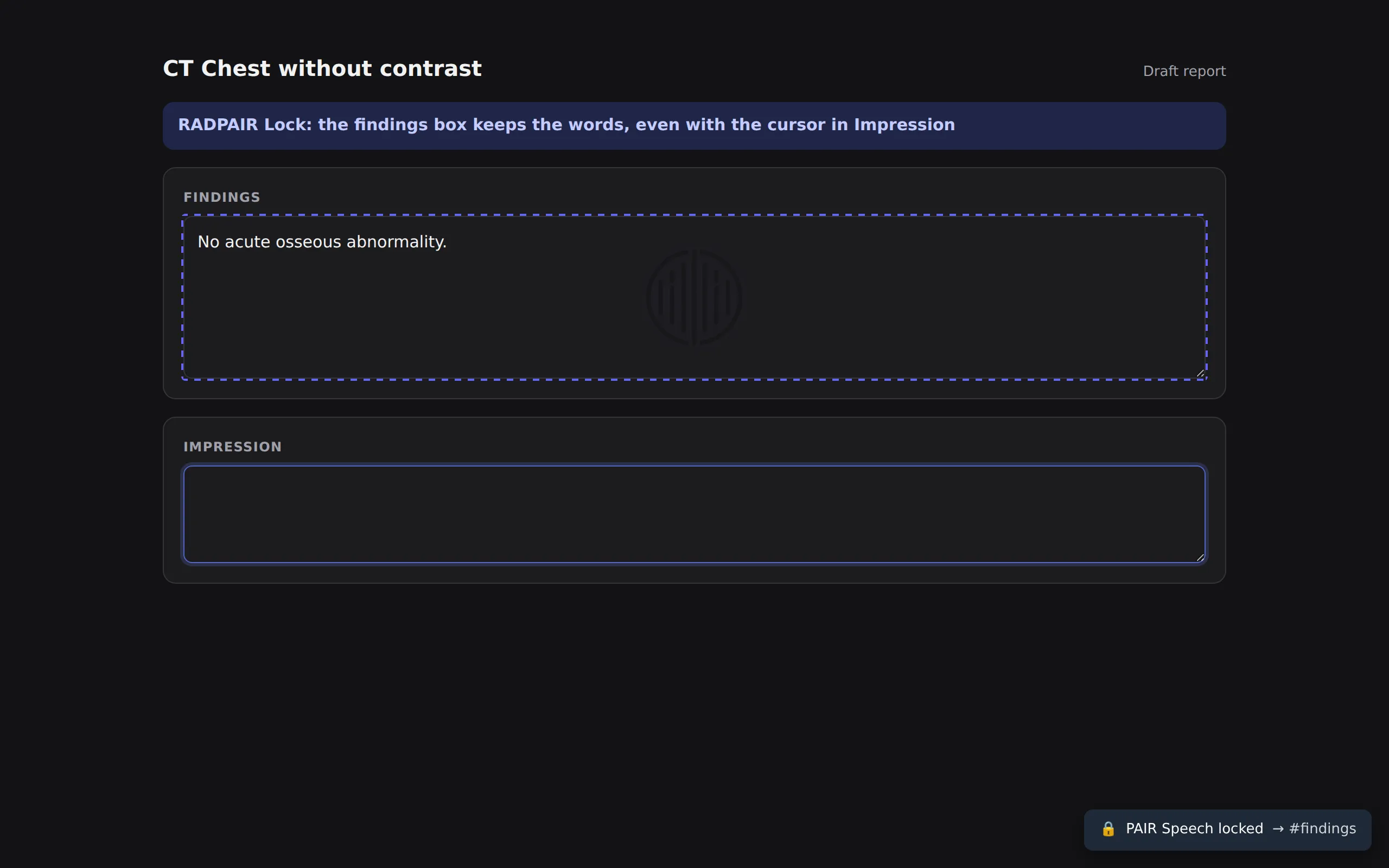
RADPAIR Lock in the extension: the Findings box has a dashed outline and keeps receiving words while the cursor is in Impression; a badge reads “PAIR Speech locked”
In the extension: the locked field gets a dashed outline, and a badge shows where your words are going.

PAIR Speech for Windows

New · Available now

Never break focus, on any screen.

The desktop app takes RADPAIR Lock beyond Chrome to your whole workstation. Lock dictation to your report, on this screen or another one, then scroll and click through images on a separate screen. Your words keep going into the locked report, so you never lose focus.

Included with PAIR Speech Genesis. The Mac app is coming in January 2027.

For 64-bit Windows. Dictating needs a PAIR Speech Genesis plan.

  1. 1 Run the installer you downloaded.
  2. 2 Click Sign in with RADPAIR. RADPAIR’s sign-in opens in your browser, then brings you back to the app.
  3. 3 Dictate with PAIR Speech Genesis. No Genesis yet? The app offers it.
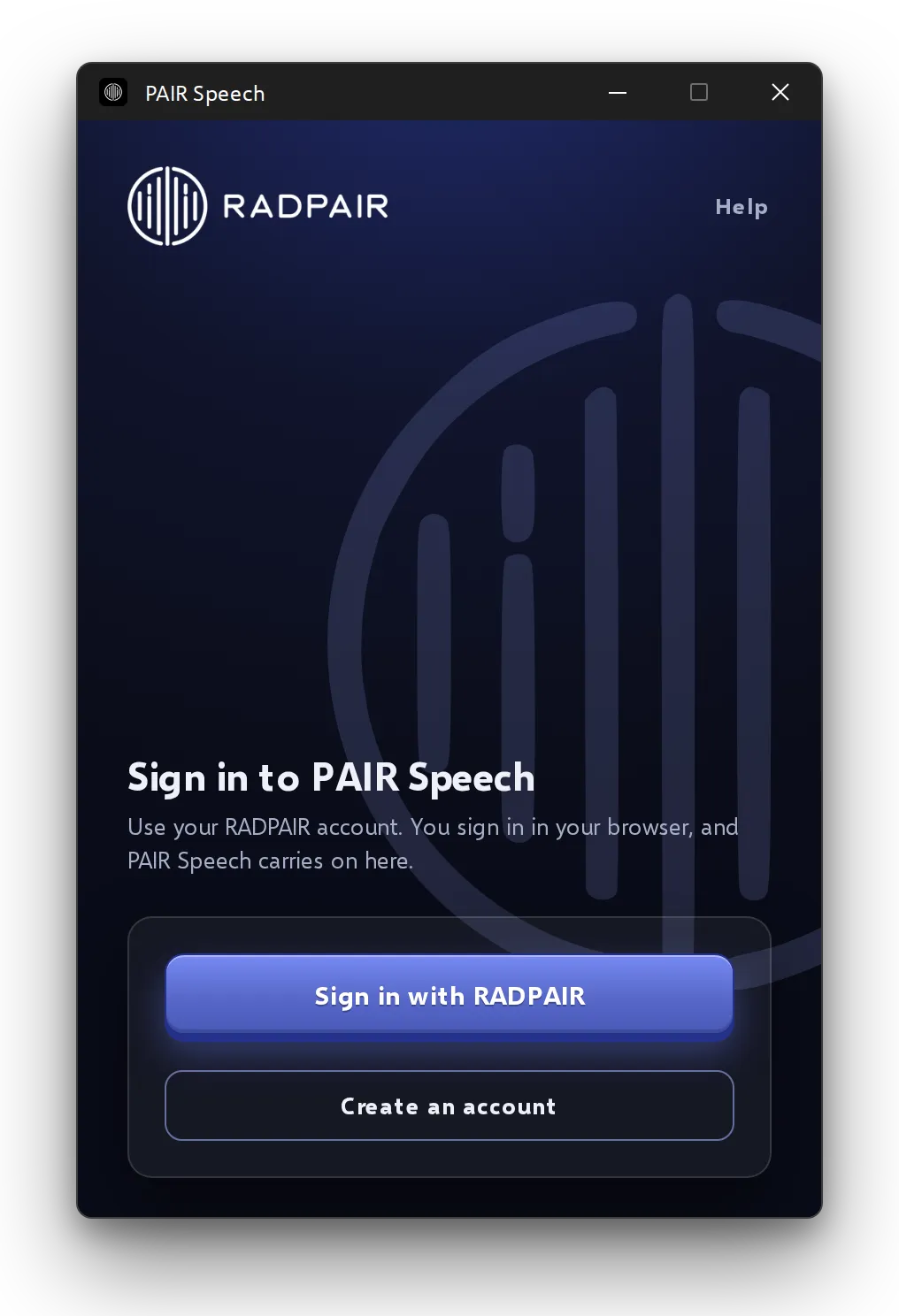
The PAIR Speech app for Windows: its sign-in window, “Sign in to PAIR Speech”, with Sign in with RADPAIR and Create an account
PAIR Speech for Windows Available now
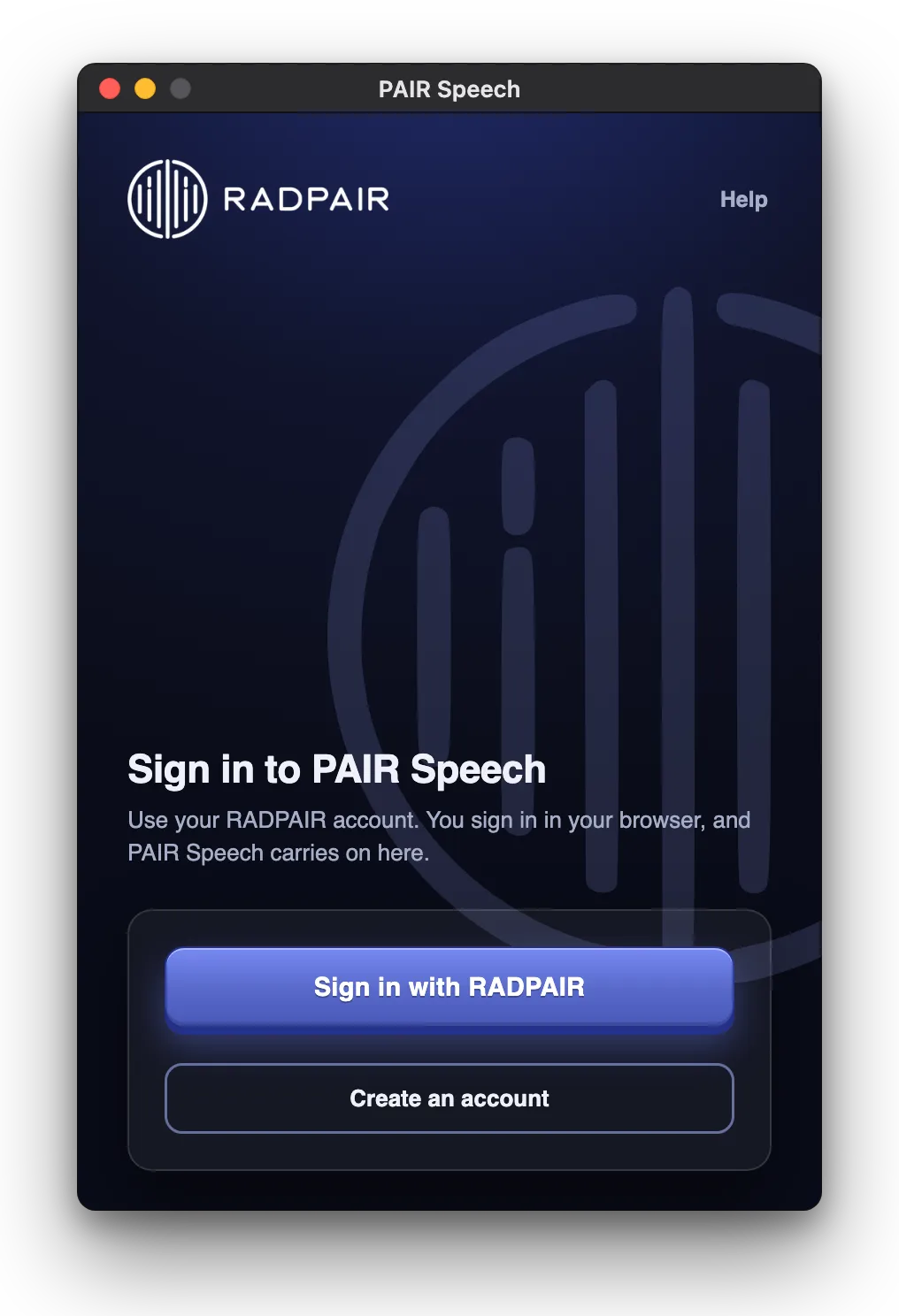
The same sign-in window in the PAIR Speech app for Mac
PAIR Speech for Mac Coming January 2027
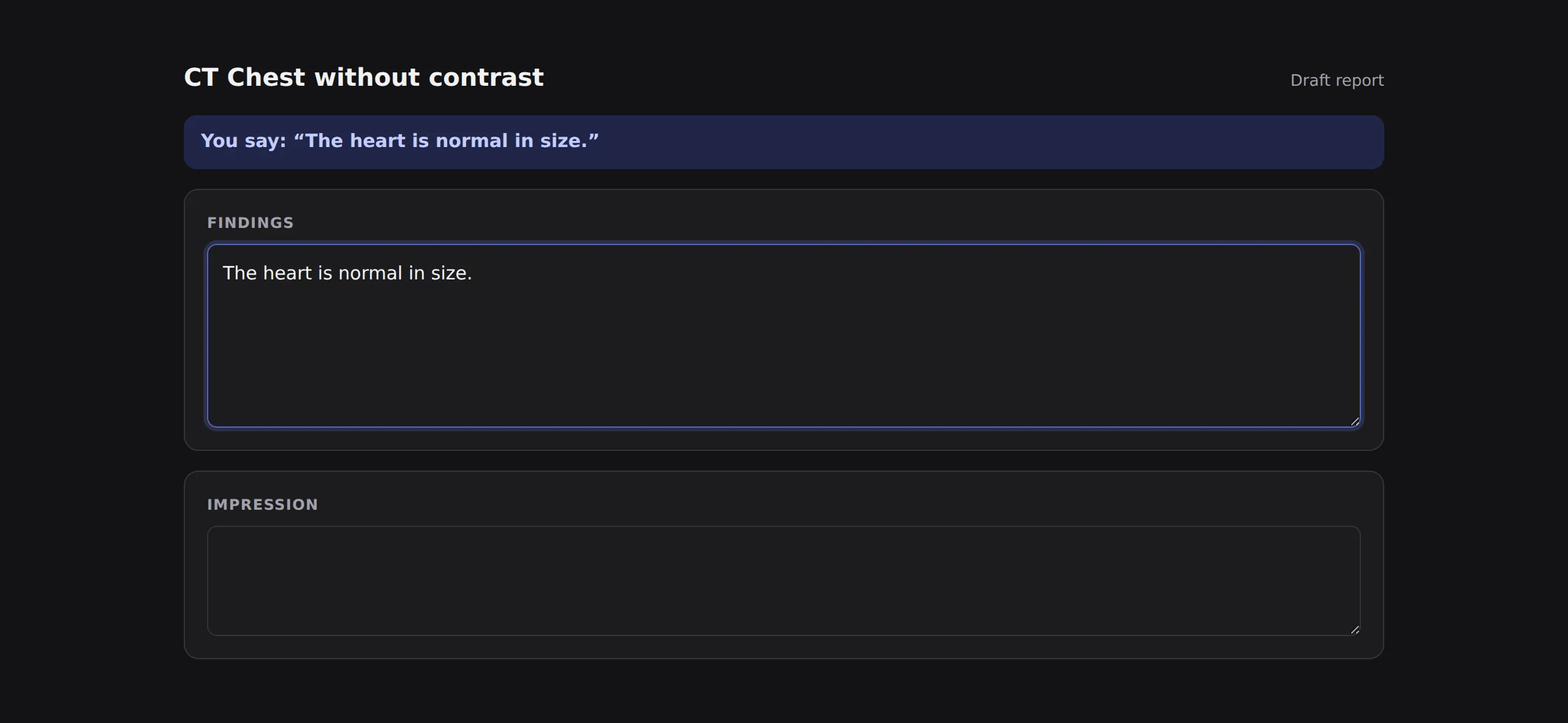
A report’s Findings box in Chrome receiving the dictated sentence “The heart is normal in size.”
Dictating into a report’s Findings box. The words go in wherever your cursor is.

Works where you report

Your words go where your cursor is.

PAIR Speech works in the web-based systems you already use. Put your cursor in a web PACS report, an EHR note or an email in Chrome, and your words go right there.

  1. 1

    Sign in

    Sign in with your RADPAIR account in Chrome.

  2. 2

    Open PAIR Speech

    Click the PAIR Speech icon in Chrome’s toolbar.

  3. 3

    Press record

    Click record and talk. Click it again to stop.

The extension

Everything in one small popup.

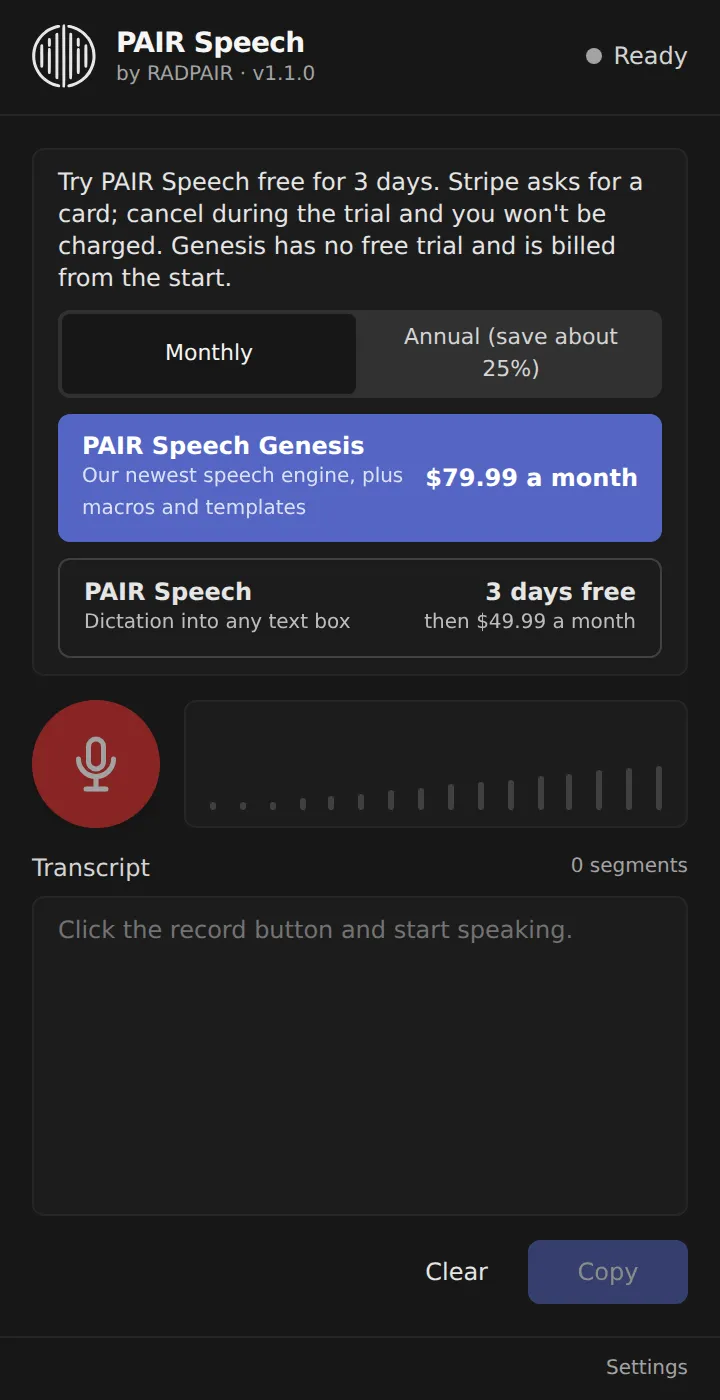
One click to record, a live level meter so you can see it hearing you, and a transcript of what you said. You choose your plan right inside it.

  • Fully cloud-native: the speech engine runs in the cloud, not on your workstation
  • Follows your computer’s light or dark setting
  • A short tour the first time you open it
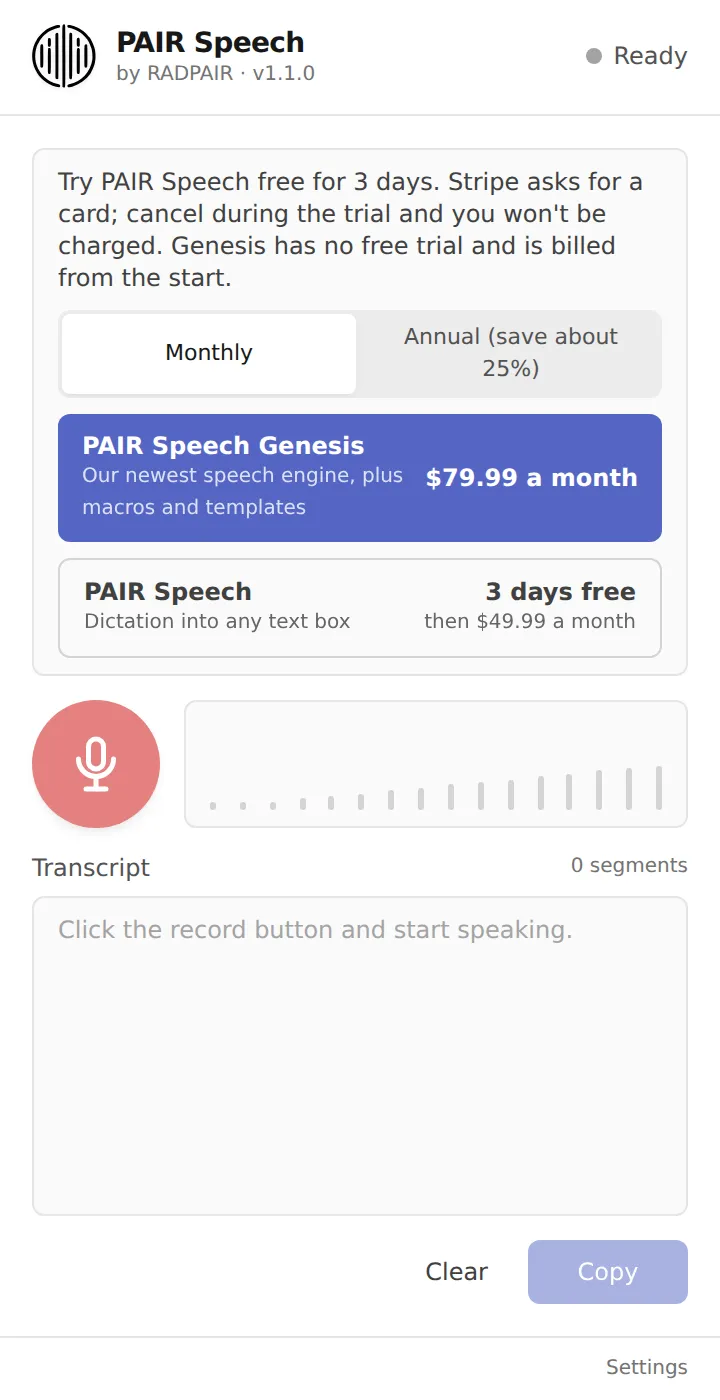
The PAIR Speech popup offering two plans: PAIR Speech Genesis at $79.99 a month, and PAIR Speech with 3 days free, then $49.99 a month
Popup theme
Light or dark, to match your computer.

Get started

Three steps to your first dictation.

  1. 1

    Create your RADPAIR account

    Sign up with your email. RADPAIR emails you a link to confirm it, and then you sign in.

  2. 2

    Add PAIR Speech to Chrome

    On the Chrome Web Store, click Add to Chrome, then Add extension. Chrome installs extensions only from its store.

  3. 3

    Start your 3 free days

    Click PAIR Speech in Chrome’s toolbar. If you signed up in Chrome, you’re already signed in: pick monthly or yearly, add a card on Stripe’s page, and press record.

Already have a RADPAIR account? Sign in instead of step 1.

Plans

One extension. Two plans.

Install PAIR Speech, sign in with your RADPAIR account and choose your plan inside the extension. Move up to Genesis whenever you like, with nothing to reinstall.

Billing period

PAIR Speech

3 days free

Dictation into any web-based application in Chrome, on RADPAIR’s proven speech engine.

$49.99 a month

$449 a year

3 days free, then $49.99 a month. Or $449 a year.

3 days free, then $449 a year.

  • Dictate into any web-based application in Chrome
  • RADPAIR’s proven speech engine
  • RADPAIR Lock and Unlock by voice
  • Fully cloud-native, right in Chrome
  • Follows your light or dark setting
Start your free trial

PAIR Speech Genesis

Most advanced

Our most advanced speech engine to date, plus your macros and templates.

$79.99 a month

$719 a year

Billed from the start. Or $719 a year.

Billed from the start.

  • Everything in PAIR Speech
  • RADPAIR’s newest speech engine
  • Macros and templates by voice
  • Upload from Dragon, PowerScribe 360, PowerScribe One or CSV
  • Saved to your RADPAIR account
  • The Windows app, with Mac coming January 2027
Get PAIR Speech Genesis

Prices in US dollars, for individual radiologists. The 3-day free trial is for PAIR Speech only: Stripe asks for a card, and if you cancel during the trial you aren’t charged. PAIR Speech Genesis is billed from the start, and upgrading during a trial ends the trial and starts Genesis that day. Buying for a practice? Talk to us.

Questions

Where does PAIR Speech work?

In web-based applications open in Chrome, like a web PACS report, an EHR note or an email. It types wherever your cursor is.

How do I start and stop dictating?

Click the record button in the PAIR Speech popup to start, and click it again to stop.

Do I need a RADPAIR account?

Yes. PAIR Speech uses your RADPAIR account, and you sign in once in Chrome. Don’t have one? Create one.

How do I install PAIR Speech?

From the Chrome Web Store: open PAIR Speech there, click Add to Chrome, then Add extension. Chrome installs extensions only from its store. Pages you already had open need one reload before PAIR Speech can type into them.

How does the free trial work?

PAIR Speech is free for 3 days. Stripe asks for a card when you start, and if you cancel during the trial you aren’t charged. After that it’s $49.99 a month, or $449 a year.

Can I move up to PAIR Speech Genesis later?

Yes. Upgrade from the extension and confirm on Stripe’s page. It switches over right away, with nothing to reinstall. Upgrading during your trial ends the trial and starts Genesis that day.

Does it need an internet connection?

Yes. PAIR Speech is cloud-native, so dictation needs an internet connection.

Is there a plan for a whole practice?

Practice pricing isn’t published yet. Talk to us about bringing PAIR Speech to your group.

Try PAIR Speech free for 3 days.

Then $49.99 a month, or $449 a year. Cancel during the trial and you aren’t charged.

Dragon, PowerScribe 360 and PowerScribe One are trademarks of Microsoft Corporation or its affiliates.